The best AI transcription tools in 2026 all market impressive accuracy numbers — the real question is how those numbers hold up once you’re transcribing an actual messy meeting, not a clean demo. “99% accurate” is the most overused claim in AI transcription marketing, and it’s almost never true under real conditions — cross-talk, accents, industry jargon, and bad microphone audio all drag real-world accuracy down well below the number on the pricing page. Here’s what these tools actually deliver once you account for that.
Table of Contents
- The Gap Between Marketed and Real Accuracy
- Otter.ai: Best for Live Meetings
- Rev: Best When You Need Human-Level Accuracy
- Sonix: Best Pay-As-You-Go Option
- Trint: Best for Professional Newsrooms
- Matching the Tool to Your Content Type
- Pricing and Accuracy Comparison
- Which Should You Choose
- Privacy and Confidentiality Considerations
- Frequently Asked Questions
AI Transcription Tools: The Gap Between Marketed and Real Accuracy
The best AI transcription tools in 2026 generally land somewhere between 95% and 99% accuracy depending on audio quality, and that gap is not academic — at 95% accuracy, roughly one word in twenty is wrong, which is enough to meaningfully change the meaning of a sentence in technical or medical content. If accuracy is genuinely critical, budget for a human-reviewed tier rather than trusting the AI-only number on the homepage.
The factors that move accuracy the most in practice have less to do with which tool you pick and more to do with recording conditions: a single clear speaker on a good microphone in a quiet room will get near-marketed accuracy from almost any of these tools, while multiple overlapping speakers, heavy accents, industry jargon, or a noisy room can drag even the best tool down into the 80s. Improving your recording setup is often a bigger accuracy lever than switching transcription tools.
Otter.ai: Best for Live Meetings
Otter.ai is built specifically around live meeting capture — joining calls automatically, generating real-time notes, and syncing with calendar tools — with accuracy around 95%. The free tier includes 300 minutes monthly, Pro runs $16.99/month for 1,200 minutes, and Business is $30/user/month. It’s less suited to long-form audio like podcasts or interviews than the other tools here, but nothing beats it for turning a Zoom call into usable notes automatically.
Otter’s real-time collaborative notes feature is also worth calling out separately from raw transcription accuracy — teammates can highlight and comment on the live transcript during the meeting itself, which turns the tool into something closer to shared meeting notes than a pure after-the-fact transcript, a genuinely different use case than the other tools on this list are built for.
Rev: Best When You Need Human-Level Accuracy
Rev offers both AI transcription (96%+ accuracy) and genuine human transcription (99%+ accuracy) on the same platform, which matters if a project’s accuracy requirements vary — draft transcripts from AI, final polished output from a human reviewer. AI transcription starts on the Essentials plan at $25.49/user/month for 5,000 AI minutes, while human transcription is billed separately at $1.50/minute.
The hybrid model is Rev’s real advantage: you can run everything through cheaper AI transcription first, then selectively send only the sections that genuinely need higher accuracy — a legal deposition excerpt, a technical passage with unusual terminology — out for human review, rather than paying human transcription rates across an entire long recording when most of it doesn’t need that level of precision.

Sonix: Best Pay-As-You-Go Option
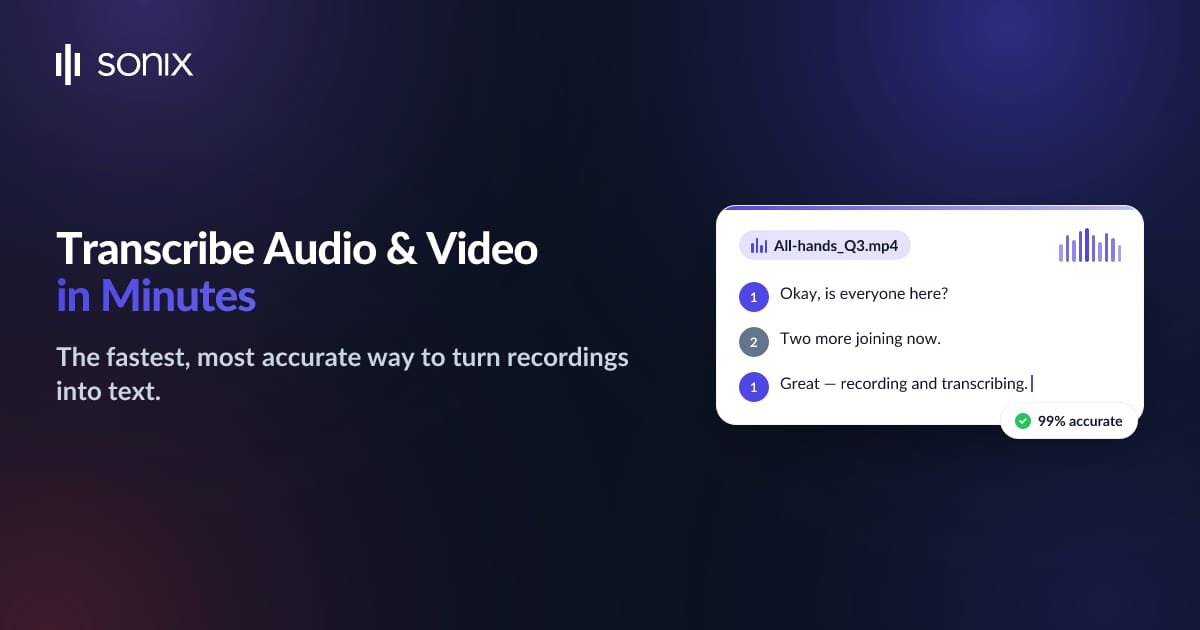
Sonix markets up to 99% accuracy across 53+ languages and offers genuinely flexible pricing: Standard runs $10/audio hour with no subscription commitment, while Premium drops to $5/audio hour plus a $22/seat/month base fee for heavier users. For occasional transcription needs, the pay-as-you-go Standard tier avoids paying for a monthly plan you’d barely use.
Sonix’s language coverage is also genuinely broad compared to competitors more narrowly focused on English — for anyone transcribing multilingual content or working across international teams, having a single tool that handles 53-plus languages reliably well removes the need to shop separately for non-English transcription support.
Trint: Best for Professional Newsrooms
Trint is priced well above the others here — Starter around $80/seat/month for 7 files, Advanced around $100/seat/month for unlimited files — reflecting its positioning toward journalism and media production teams that need collaborative editing tools built around the transcript itself, not just raw text output. Accuracy sits around 95%, comparable to Otter, but the collaborative editing workflow is what justifies the higher price for newsroom use cases.
Trint’s editing interface treats the transcript as a first-class editable document synced back to the original audio timestamp by timestamp, which is enormously useful for video editors and journalists who need to pull exact quotes and immediately locate the corresponding audio or video clip. That tight sync between text and source media is a genuinely different workflow than the other tools here, which treat the transcript more as a standalone text output.
Matching the Tool to Your Content Type
For recurring internal meetings, Otter’s automatic joining and live collaborative notes remove the most friction from your weekly routine. For long-form interviews or podcast episodes where you’re transcribing occasionally rather than daily, Sonix’s pay-per-hour model avoids paying for capacity you don’t use. For anything with real legal, medical, or compliance stakes, Rev’s hybrid AI-plus-human option is the only one here that genuinely closes the accuracy gap that matters in those contexts. And for video-heavy editorial workflows where you need the transcript tightly linked to the source footage, Trint’s higher price buys a meaningfully different editing experience than the others.
Pricing and Accuracy Comparison
| Tool | Starting Price | Claimed Accuracy | Best For |
|---|---|---|---|
| Otter.ai | Free / $16.99/month | ~95% | Live meeting capture and notes |
| Rev | $25.49/user/month | 96%+ (AI), 99%+ (human) | Projects needing human-verified accuracy |
| Sonix | $10/audio hour | Up to 99% (claimed) | Occasional, pay-as-you-go transcription |
| Trint | ~$80/seat/month | ~95% | Newsrooms, collaborative media teams |
For more background, see this overview of how speech recognition works. For more comparisons like this one, browse our Tools & Reviews coverage.
Which Should You Choose
For live meetings and calls, Otter’s automatic joining and real-time notes make it the easiest fit despite being less suited to long-form audio. If accuracy genuinely matters — legal, medical, or any content where a wrong word changes meaning — Rev’s option to pair AI with human review is worth the higher cost. If your transcription needs are occasional rather than constant, Sonix’s pay-per-hour pricing avoids a wasted subscription. And if you’re running a media or newsroom operation that needs collaborative transcript editing, Trint’s higher price reflects tooling the others don’t offer.
It’s also worth noting these tools aren’t mutually exclusive in practice — a lot of teams end up running Otter for internal meetings while using Sonix or Rev separately for external-facing content like interviews or podcast episodes, since the two use cases have genuinely different priorities around live capture versus post-production accuracy. Don’t feel obligated to standardize on a single tool if your transcription needs actually span both categories.
Privacy and Confidentiality Considerations
Before running sensitive meetings or recordings — legal discussions, medical consultations, confidential business strategy sessions — through any of these tools, review their data retention and privacy policies specifically. Some platforms retain audio and transcript data for model training or quality improvement purposes unless you explicitly opt out, which may not be acceptable for meetings involving genuinely confidential or legally privileged information. Business and enterprise tiers typically offer stronger data controls than free or basic paid plans, so check this specifically rather than assuming it’s handled by default.
Frequently Asked Questions
How accurate are AI transcription tools really?
Real-world accuracy typically falls between 95% and 99% depending on audio quality, accents, and background noise — meaningfully lower than marketing claims suggest under imperfect conditions. For high-stakes content, pair AI transcription with a human review pass.
Which transcription tool is best for podcasts?
Sonix and Rev both handle long-form audio like podcasts well, with Sonix’s pay-as-you-go pricing being especially cost-effective if you’re not transcribing on a strict weekly schedule.
Can these tools transcribe multiple speakers accurately?
Most modern tools, including Otter and Rev, include speaker identification (diarization) that labels who said what, though accuracy on speaker separation drops with more overlapping cross-talk or similar-sounding voices.
Is there a free AI transcription tool?
Otter.ai’s free tier includes 300 minutes of transcription monthly, making it the most generous no-cost option among the tools compared here.
What can I do to improve transcription accuracy?
Use a decent external microphone rather than a laptop’s built-in mic, record in a quiet room, and ask speakers to avoid talking over each other. These recording-condition improvements typically move accuracy more than switching between any of the tools compared here.