The best AI website builders in 2026 have made going from zero to a live site faster than ever — the question is which one you’ll still be happy with six months later. “AI website builder” used to mean a slightly smarter template picker. In 2026 it means something closer to describing a business in a sentence and getting a real, editable site back in under a minute — the question now isn’t whether these tools work, it’s which one produces something you’d actually want to keep.
Table of Contents
- What Actually Changed in AI Website Builders
- Wix AI: Most Features, Steepest Price Curve
- Framer: Best Design Quality
- Durable: Fastest for Service Businesses
- Common Mistakes When Choosing an AI Website Builder
- Pricing and Feature Comparison
- Which Should You Choose
- Don’t Overlook Basic SEO Setup
- Frequently Asked Questions
What Actually Changed in AI Website Builders
The best AI website builders in 2026 have mostly converged on the same starting experience: describe your business, answer a few questions, get a generated site. Where they diverge sharply is what happens next — how much creative control you have over the design, how the pricing scales once you need e-commerce or a custom domain, and how much the site still looks “AI-generated” once you’ve customized it.
That last point is worth dwelling on, because it’s the most common complaint about this category: sites that technically work but have a certain generic, templated sameness once you look past the initial impressive first-minute demo. The three tools below handle that problem differently — some lean into heavier customization to fight genericness, others accept a more templated look in exchange for speed and simplicity, which is the right tradeoff for a business that just needs something live today.
Wix AI: Most Features, Steepest Price Curve
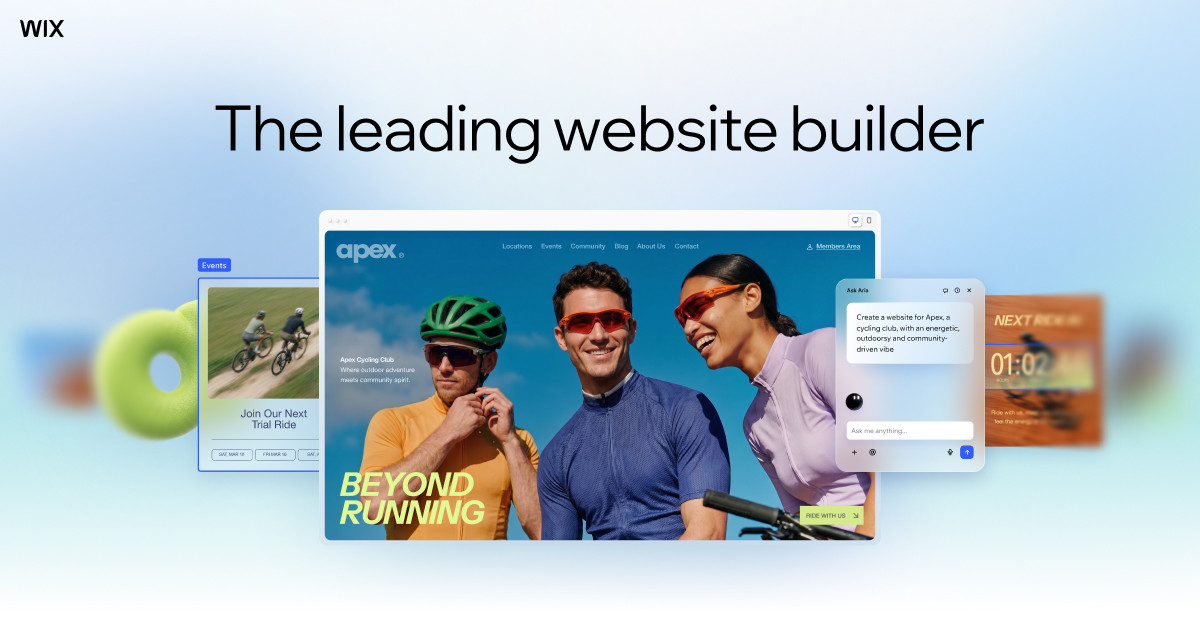
Wix has the deepest feature set of the three — e-commerce, booking systems, blogging, a genuinely large app marketplace — which makes it the safest choice if you’re not sure yet what your site will eventually need to do. That breadth comes at a cost: plans range from $17/month on the Light tier up to $159/month for Business Elite, and the jump between tiers can feel steep if you’re a solo operator who just needs a clean, functional site.
The app marketplace is genuinely Wix’s biggest long-term advantage over Framer and Durable — thousands of third-party integrations covering everything from advanced booking logic to loyalty programs to specialized industry tools. If your business has an unusual requirement that a generic website builder wouldn’t anticipate, there’s a decent chance someone has already built a Wix app for it, which isn’t true of the smaller, more focused competitors here.
Framer: Best Design Quality
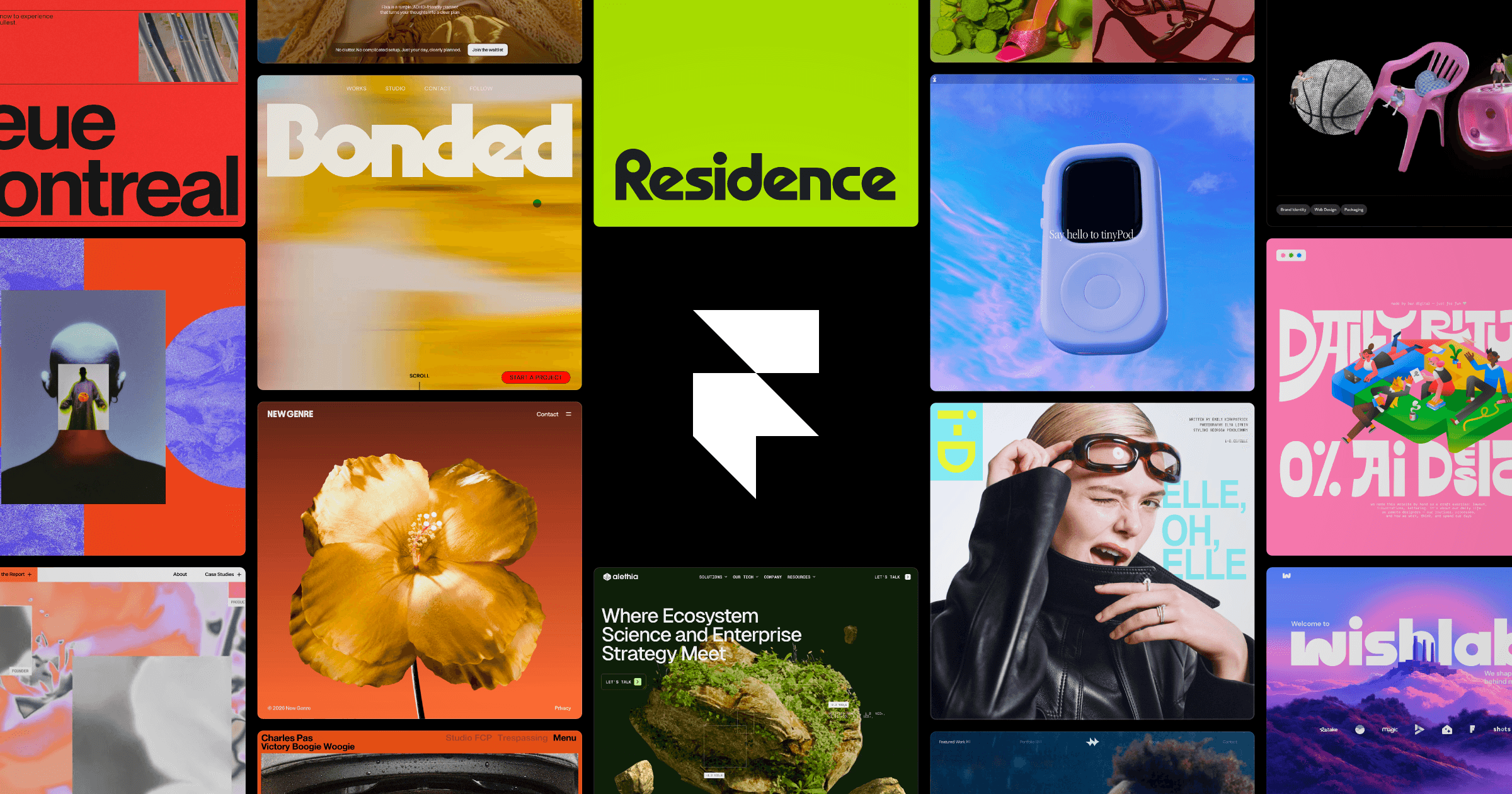
Framer consistently produces the best-looking output of the three without extra tweaking — its AI generation leans on genuinely modern design patterns rather than templated layouts that scream “built by a bot.” It’s the pick for anyone who cares how the site looks and is willing to spend a bit more time in the editor to get it exactly right. Pricing runs from $10/month on the Mini tier up to $30/month for Pro, notably cheaper than Wix at every comparable tier.
Framer’s editor also gives you finer-grained design control than Wix or Durable if you do want to go beyond the AI-generated starting point — proper typography controls, animation and interaction settings, and layout flexibility closer to what a professional designer would expect from a tool like Figma. That makes it the best of the three if a designer or design-literate founder is going to be the one refining the site after initial generation, rather than a non-technical owner who just wants to fill in text and publish.
Durable: Fastest for Service Businesses
Durable is built specifically for local service businesses — contractors, cleaners, consultants, anyone who needs a functional site with a booking form and basic CRM more than a design showcase. It generates a usable site in well under a minute and bundles in lightweight customer relationship tools that Wix and Framer don’t offer out of the box. Pricing is simple: $15/month for Starter (website plus CRM) or $25/month for Business.
The bundled CRM is Durable’s real differentiator, not the website generation speed. For a one-person service business — a plumber, a personal trainer, a local consultant — having lead capture, basic client tracking, and invoicing available in the same tool that hosts the website removes the need to stitch together three or four separate small-business tools just to get started. Wix and Framer both require adding separate apps or integrations to match that out-of-the-box functionality.
Common Mistakes When Choosing an AI Website Builder
The most common mistake is picking based on the demo rather than the editing experience — every AI website builder produces an impressive first result in under a minute, but the real test is how the tool feels after twenty minutes of actually trying to change something specific, like moving a section or adjusting a font that doesn’t quite match your brand. Test that editing experience with your own real business content, not the placeholder text, before committing to a paid plan. The second common mistake is underestimating future needs — picking the cheapest tier because the current site is simple, then hitting a paywall the moment you need a booking calendar or online store, at which point migrating platforms is far more painful than paying slightly more upfront would have been.
Pricing and Feature Comparison
| Tool | Starting Price | Standout Strength | Best For |
|---|---|---|---|
| Wix AI | $17/month | Deepest feature set and app ecosystem | Businesses needing e-commerce, booking, blogging |
| Framer | $10/month | Best-looking generated design | Design-conscious founders, portfolios, brands |
| Durable | $15/month | Fastest generation, built-in CRM | Local service businesses |
For more background, see this overview of how website builders evolved. For more comparisons like this one, browse our Tools & Reviews coverage.
Which Should You Choose
If you don’t yet know exactly what your site needs to do and want room to grow into e-commerce or bookings later, Wix’s breadth justifies its higher price. If the site is the first impression of your brand and design quality matters more than feature count, Framer produces the most polished result for less money. And if you run a local service business and just need a working site with a booking form up fast, Durable is built for exactly that job and nothing more.
All three offer either a free trial or a low-commitment entry tier, so the lowest-risk approach is generating a real starting site on two of the three using your actual business details, not placeholder text, and comparing how each one feels to edit before paying for a full year. The AI-generated first impression is genuinely similar across all three at this point; the deciding factor is almost always how the tool feels twenty minutes in, once you’re trying to make it match your actual brand rather than admiring the demo.
Don’t Overlook Basic SEO Setup
An AI-generated site handles the visual design well but doesn’t automatically optimize itself for search — page titles, meta descriptions, and basic site structure still need deliberate attention regardless of which builder you choose. Before publishing, check that each page has a unique, descriptive title and that your site’s core pages (home, services or products, contact) are properly indexed and internally linked. All three builders include basic SEO settings panels; none of them do this work for you automatically just because the design itself was AI-generated.
Frequently Asked Questions
Do I need any design or coding skills to use these tools?
No. All three are built for people with no design or development background — you describe your business or answer setup questions, and the AI generates a starting site you then customize through a visual editor.
Which AI website builder is cheapest?
Framer has the lowest entry price at $10/month, followed by Durable at $15/month. Wix starts higher at $17/month but includes a broader set of built-in features at that price.
Can I use my own domain name with these builders?
Yes, custom domain support is included even on the entry-level paid plans for Wix, Framer, and Durable.
Is Framer good for e-commerce?
Framer supports basic e-commerce functionality, but Wix has a more mature and full-featured e-commerce system if online selling is a core part of your business rather than a secondary feature.
Can I switch website builders later without losing my content?
Migrating between these platforms typically means rebuilding rather than a clean export-import, since each uses its own proprietary site structure. This is exactly why it’s worth choosing a tool with room to grow into your future needs rather than the cheapest option for today’s simpler requirements.